

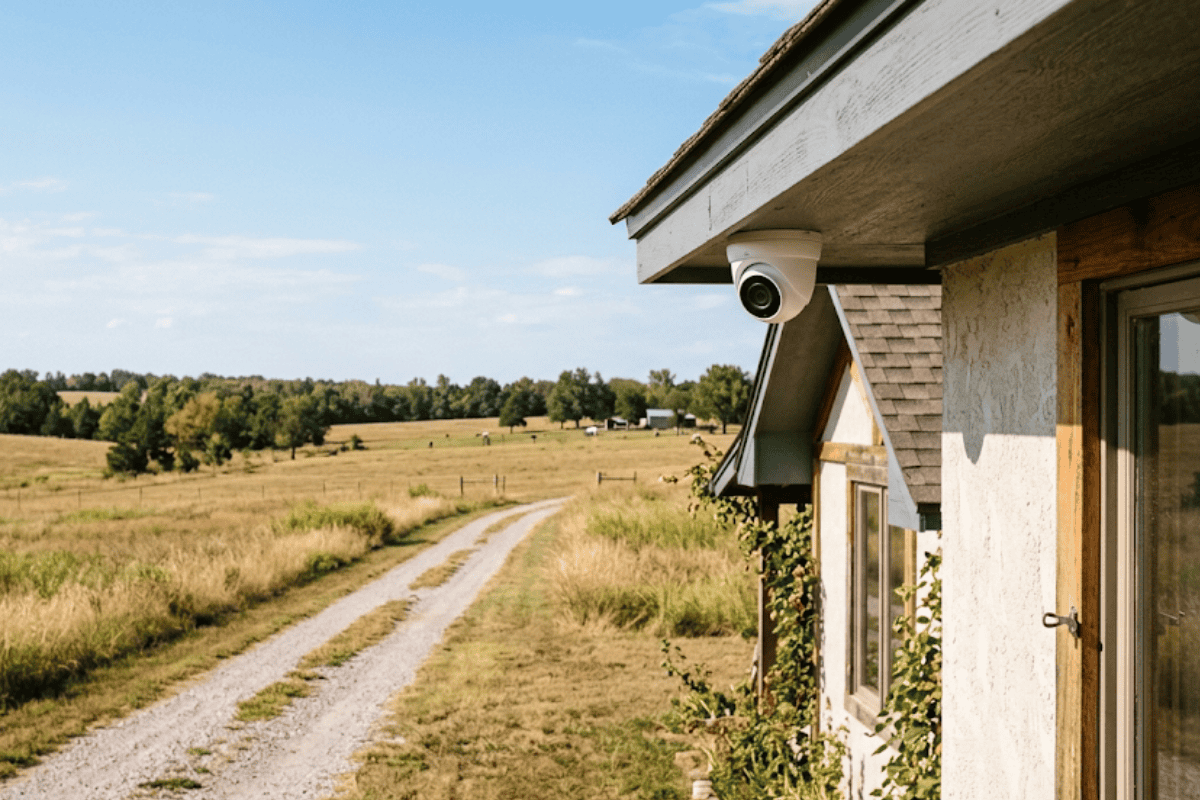
24 Sep Can Security Cameras Work Without Internet? What Tulsa and Rural Oklahoma Properties Need to Know
A property owner off Highway 97 near Sand Springs installed four exterior cameras last spring only to find out during setup that the nearest fiber line stopped almost two miles short of the driveway, and the only internet option on site was a satellite plan that dropped out every time a storm rolled through. That situation raises the exact question can security cameras work without internet, and the answer for most properly configured systems is yes. A camera system built around local recording hardware, rather than one that depends entirely on a live internet feed, can capture and store footage around the clock whether the connection at that address is fiber, satellite, or nothing at all. The distinction comes down to how and where the footage is actually stored, which matters just as much to a rural acreage outside Owasso as it does to a warehouse in midtown Tulsa with an unreliable business internet plan.
Can Security Cameras Work Without Internet? The Role of Local Storage
The short answer is that recording and internet access are two separate functions, even though most people assume they are the same thing. A camera connected to a network video recorder, commonly called an NVR, or a digital video recorder, called a DVR, writes footage directly to a hard drive sitting inside that recorder box on site. That recording process happens over the property’s local network, not over the internet, so it continues whether or not an internet connection exists at that moment. According to a NIST guide on selecting video surveillance equipment, local recording architecture has long been the standard approach for systems that need to keep functioning independent of outside network conditions, which is exactly the situation on a lot of properties across northeastern Oklahoma. Matching that hardware and software to a specific property’s actual connectivity, rather than assuming every site has dependable broadband, is the part that determines whether a system holds up when the internet does not.
Internet access still plays a role, just a smaller one than people expect. It is used to view live footage or pull up recorded clips remotely from a phone, which is a genuinely useful feature. But that remote-viewing function is separate from whether the camera is recording in the first place. A system built on hardware and software designed for local storage keeps recording to its onboard drive no matter what the internet connection is doing, and remote access simply resumes once a connection is available again, whether that is later the same day or after a multi-day outage.
Local Storage vs. Cloud Storage: A Side-by-Side Comparison
Cloud-based systems work differently, and neither approach is automatically better for every property. The right choice depends on what kind of internet service is actually available and how the property owner plans to use the footage. The table below lines up the two approaches on the factors that matter most.
| Feature | Local / NVR Storage | Cloud Storage |
|---|---|---|
| Internet dependency | Records and operates without an active internet connection | Requires a continuous internet connection to record and store footage |
| Storage duration and capacity | Storage capacity is set by the physical hard drive installed in the NVR or DVR, typically holding weeks of footage before older recordings are overwritten | Storage duration is typically set by the subscription plan, often 7 to 30 days of retained footage |
| Remote viewing access | Remote viewing requires an internet connection at the time of viewing, even though recording does not | Remote viewing works from anywhere with cellular data or Wi-Fi since footage already lives online |
| Resilience during an outage | Continues recording locally during an internet or ISP outage | Recording pauses or stops during an internet outage since there is nowhere to send the footage |
| Ongoing cost structure | No ongoing subscription required for storage | Monthly subscription typical for cloud storage plans |
Every line in that table plays out the same way on an actual property. Recording that depends on an active internet connection is the biggest risk for cloud-only systems, since the moment a connection drops, so does the recording, and there is nothing to send to the cloud until service comes back. Local storage capacity is set by the physical hard drive installed in the NVR or DVR, and that drive typically holds weeks of footage before older recordings are overwritten to make room for new ones, while a cloud plan’s storage duration is set by the subscription itself, often 7 to 30 days of retained footage regardless of how much actually happened during that window. Remote viewing requires an internet connection at the time someone wants to check it, whether the footage is local or cloud-based, but only the cloud version needs that connection to have existed continuously in order for the footage to exist at all. And a local system continues recording locally during an internet or ISP outage, which is the single biggest reason it holds up better on a property where service is inconsistent. Any camera left connected to the internet around the clock also carries some exposure to outside access, which is why the FTC has pursued action over camera vulnerabilities in poorly secured internet-connected models, another point in favor of a system that does not depend on a constant internet connection just to keep functioning.
What This Means for Sand Springs, Owasso, and Rural Tulsa County Properties
Connectivity across the Tulsa metro is far from uniform. A property in a newer subdivision in Broken Arrow or Bixby usually has access to reliable fiber or cable internet, while a property on acreage outside Sand Springs, Owasso, or in unincorporated Tulsa County may only have satellite service or a fixed wireless connection that slows down or drops during bad weather. The funding aimed at bringing gigabit-speed broadband to roughly 7,700 rural locations across Oklahoma, which is a useful reminder that plenty of addresses in this region are still waiting on the kind of connection that a cloud-only camera system assumes is already in place.
For a barn, a rural business, or a home well outside city limits, a local-storage system removes the internet question from the security equation entirely. The cameras record to the NVR regardless of what the satellite dish or cellular signal is doing that day, and footage is available on site whenever it is needed, whether that is the same afternoon or after a multi-day outage during an ice storm. A USDA report on rural broadband makes a similar point from the agriculture side, noting the significant economic value tied up in closing that connectivity gap for rural properties, many of which are exactly the kind of sites that also need dependable security coverage alongside better connectivity. Properties closer to the center of Tulsa, Jenks, or Broken Arrow with strong, stable internet service have more flexibility to add cloud backup as a second layer, but even there, a system that keeps recording locally first avoids the risk of losing footage during the kind of short outage that any provider can have.
Signs a Property Needs a Local-Storage-First Camera System
A few situations make local storage the clearly better starting point rather than an afterthought:
- The property sits outside city limits or in an area where satellite or fixed wireless is the only internet option available.
- Internet service at the address has dropped out during storms, high winds, or other weather events in the past.
- The business or household cannot risk a gap in recorded footage, even for a few hours, if the internet goes down.
- Multiple buildings on one property, such as a house and a detached shop or barn, each need coverage regardless of where the router sits.
- A monthly subscription fee for cloud storage is something the property owner would rather avoid paying indefinitely.
Why Choose Tulsa Surveillance Technologies
Matching a camera system to a property’s real internet situation, rather than assuming every address has the same dependable connection, is a core part of designing systems that hold up across Tulsa, Broken Arrow, Jenks, Bixby, Owasso, and Sand Springs. That means knowing when an NVR-based setup with local hard drive storage is the right call for a rural property with unreliable service, and when a stronger internet connection in a denser part of the metro makes a hybrid local-and-cloud approach worth the added cost. It also means understanding how much drive capacity a given number of cameras will actually need to hold a useful window of footage, since undersizing that drive defeats the purpose of going local in the first place. This kind of hardware and software matching, built around the internet service that actually exists at a specific address rather than a generic assumption, is what separates a system that keeps recording through an outage from one that goes dark the moment the connection does. Guidance from the Security Industry Association on surveillance data practices makes a similar point from an industry-wide view, noting that different storage and access setups suit different situations rather than one approach fitting every property. A homeowner researching surveillance equipment options before making a decision will find that the recorder and drive matter just as much as the camera itself, and getting that pairing right up front avoids having to replace hardware later.
Properties with spotty or seasonal internet service benefit the most from a conversation before any equipment goes up, since the right combination of recorder, drive size, and camera count depends entirely on what that specific address needs to cover and how long the footage needs to be kept on hand.
Conclusion
The question can security cameras work without internet comes up most often from property owners in Sand Springs, Owasso, and other parts of the Tulsa area where internet service is not something they can count on every day of the year. Local NVR and DVR storage answers that question directly: recording happens on site, on a physical hard drive, independent of whatever the internet connection is doing at any given moment. Cloud storage still has a place for properties with strong, stable service and a preference for off-site backups, but it comes with a dependency that local storage does not share. Getting the hardware and software matched to the actual property, not a generic assumption about connectivity, is what determines whether a camera system keeps working when it matters most. Call or reach out through the contact page to talk through which setup makes sense for a specific property in Tulsa, Broken Arrow, Jenks, Bixby, Owasso, or Sand Springs.
Ready to find out which storage setup fits your property? Request a free estimate from Tulsa Surveillance Technologies.
Frequently Asked Questions
Do security cameras need Wi-Fi to record video?
No. Cameras connected to a local NVR or DVR record to a hard drive over the property’s local network, not the internet, so they keep recording without Wi-Fi or an internet connection. Wi-Fi or internet access is only needed for remote viewing on a phone or computer.
Can you view security camera footage without an internet connection?
Live remote viewing and app access require an internet connection at the time of viewing. However, footage stored locally on an NVR or DVR can still be viewed directly on site through a connected monitor, even with no internet at all.
What is the difference between an NVR and a DVR?
An NVR, or network video recorder, processes digital video signals from IP cameras, while a DVR, or digital video recorder, processes analog video signals from traditional cameras before converting them to digital for storage. Both record footage to an onboard hard drive independent of an internet connection.
Do wireless security cameras still need an internet connection?
Wireless cameras need a network connection, usually Wi-Fi, to send footage to a recorder or storage location, but that network does not have to include internet access. A wireless camera can operate on a local, internet-free network as long as it can reach its recorder.
What happens to security camera recordings during an internet outage?
Cameras connected to local NVR or DVR storage continue recording without interruption during an internet outage, since recording does not depend on that connection. Cloud-only cameras typically stop recording or lose footage during the outage because there is no connection available to send the video to storage.
Sorry, the comment form is closed at this time.